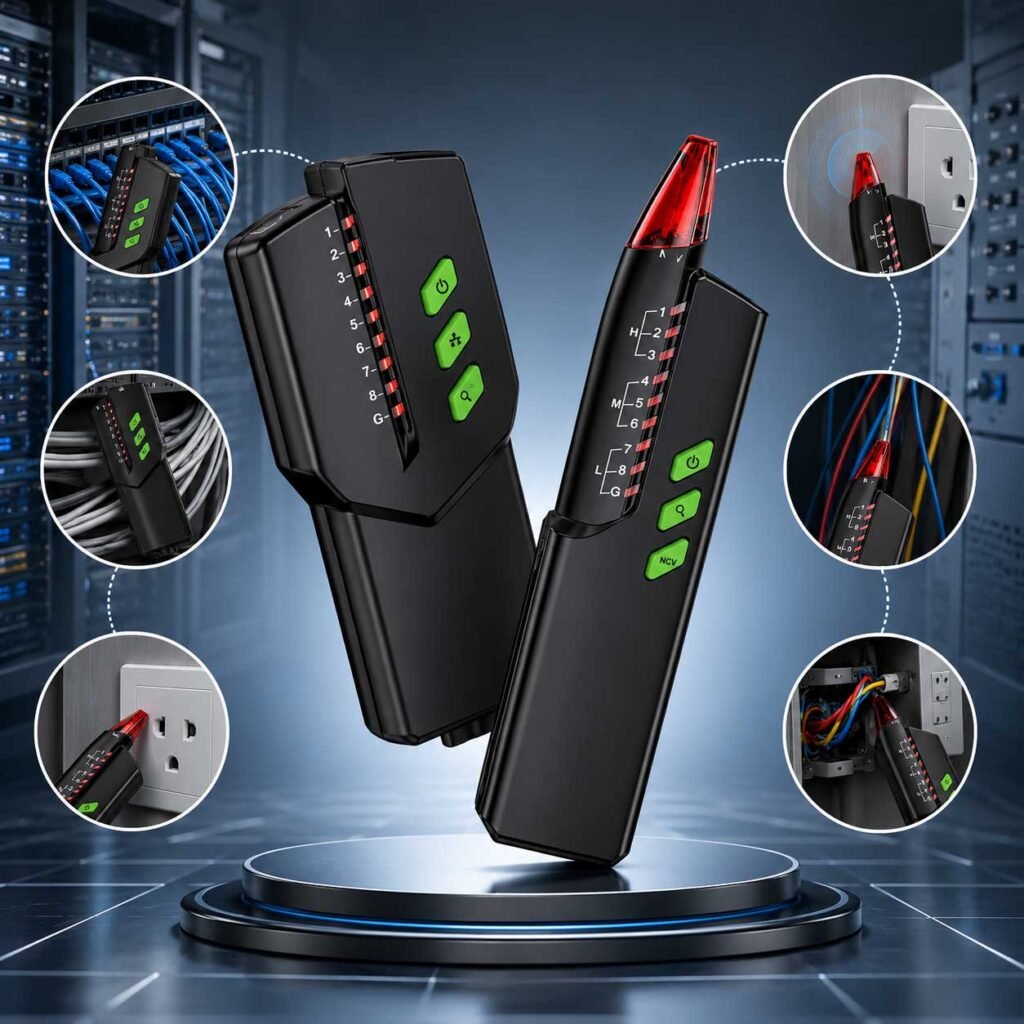
Cable tracing is a routine task in network installation and low-voltage maintenance, but it does not always go smoothly. In offices, server rooms, and commercial buildings, technicians often work with crowded cable bundles, unlabeled network lines, and interference from nearby equipment. These conditions can make tracing the correct cable more difficult than expected.
While a wire tracker helps simplify the process, understanding common tracing problems is just as important. This article explains several real-world cable tracing issues and practical ways to improve accuracy during maintenance and installation work.
Why Cable Tracing Sometimes Becomes Difficult
Modern buildings contain far more wiring than older installations. In many office environments, Ethernet cables, telephone lines, security cables, and power wires may all run through the same pathways or cable trays.
When multiple low-voltage cables are packed closely together, tracing signals can overlap. In addition, poor cable labeling and years of maintenance changes often make it difficult to identify the correct line quickly.
In most cases, tracing problems are caused by the installation environment rather than the wire tracker itself.
Signal Interference from Nearby Cables
Signal interference is one of the most common problems during cable tracing. In office network cabinets and telecom rooms, dozens of Ethernet cables are often routed side by side. Nearby electrical equipment and power cables can also affect signal clarity.
When interference occurs, the receiver may pick up signals from multiple cables at the same time. This can make several cables sound almost identical during tracing.
To reduce interference:
- Lower the receiver sensitivity gradually
- Separate cable groups whenever possible
- Avoid tracing close to high-voltage power lines
- Move the receiver slowly along the cable path
In crowded patch panels, adjustable sensitivity is especially important for improving tracing accuracy.
Difficulty Identifying the Correct Cable
Unlabeled cables are a common problem in older office buildings and commercial installations. After years of upgrades and repairs, many network cabinets contain cables that are no longer clearly marked.
For example, during office network maintenance, technicians may need to identify one Ethernet cable among dozens connected to the same patch panel. Without proper tracing methods, this process can become time-consuming and frustrating.
One practical solution is to isolate smaller cable groups during testing. Tracing one cable at a time helps reduce confusion and minimizes signal bleed between nearby wires.
Good cable labeling practices can also prevent future maintenance problems and reduce troubleshooting time.
Weak or Lost Signal During Tracing
Weak signals are another common issue, especially in large commercial buildings where cable runs may extend across multiple rooms or floors.
Several factors can reduce signal strength:
- Loose transmitter connections
- Damaged connectors
- Long cable distances
- Poor cable condition
- Shielded network cables
In real maintenance situations, a weak signal often comes from incomplete transmitter contact rather than equipment failure. Before tracing begins, technicians should confirm that the transmitter is securely connected to the target cable.
Moving the receiver too quickly can also cause the signal to appear unstable. Slower scanning usually improves signal detection and tracing consistency.
Problems Tracing Shielded Network Cables
Shielded Ethernet cables can create additional challenges during tracing. In server rooms and industrial communication systems, shielded cables are commonly used to reduce electromagnetic interference and improve signal stability.
However, the metal shielding surrounding the cable can partially block the tracing signal, making the receiver less sensitive to the target line.
When tracing shielded cables:
- Reduce nearby electrical interference when possible
- Lower the receiver sensitivity
- Keep the receiver closer to the cable path
- Verify transmitter connections carefully
Compared to standard unshielded cables, shielded network lines may require slower and more precise tracing techniques.
Environmental Factors That Affect Cable Tracing
The surrounding environment can also affect tracing performance. In commercial buildings, cables are often routed through metal conduits, suspended ceilings, or crowded equipment rooms.
Server racks, electrical panels, and metal cable trays can weaken or distort tracing signals. In some maintenance environments, background electrical noise may also interfere with receiver accuracy.
For this reason, technicians should always consider the installation environment before starting a tracing job. Understanding where the cables are routed often makes troubleshooting much faster.
Using the Right Cable Tracing Tool
Different tracing tools are designed for different applications. Some are intended for basic telephone line testing, while others are better suited for Ethernet cable identification and low-voltage maintenance work.
When choosing a wire tracker, useful features include:
- Adjustable sensitivity
- RJ45 and RJ11 compatibility
- Stable signal transmission
- Long tracing distance
- Portable handheld design
For office networks, telecom maintenance, and low-voltage cable identification, tools like the MESTEK WT58DL can help technicians improve tracing efficiency in real working environments.
Conclusion
Cable tracing problems are common in modern office networks and low-voltage installations. Signal interference, unlabeled cables, weak connections, and crowded wiring layouts can all make tracing more difficult.
Fortunately, most of these issues can be reduced with proper tracing techniques, organized cable management, and reliable testing tools. Understanding these common problems helps technicians work more efficiently and avoid unnecessary troubleshooting during network and maintenance tasks.