Testing a DC power supply is an essential step in electronics troubleshooting, equipment repair, and quality control. Whether you are working in a manufacturing facility, repairing devices, or building circuits in a workshop, verifying the DC output ensures your equipment functions safely and reliably.
How to Test DC Voltage Output
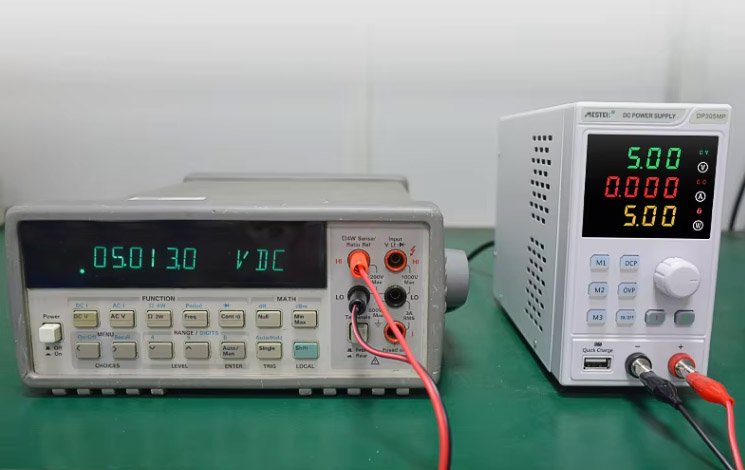
This is the core method for how to test a DC power supply with a multimeter, and it works for bench supplies, adapters, battery chargers, and many other DC source
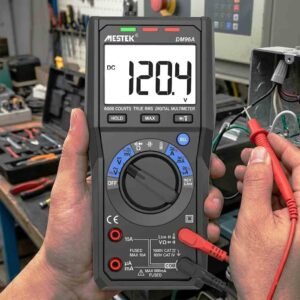
1)Set the Multimeter to DC Voltage
Turn the dial to the DC voltage mode, often labeled as V⎓ or VDC.
Choose a range above the expected power supply voltage (for example, select 20V when testing a 12V supply).
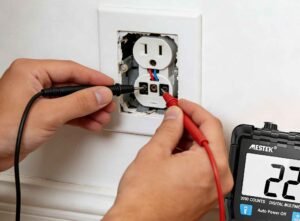
2)Connect the Multimeter Probes
- Touch the red probe to the positive terminal (V+, +, or red).
- Touch the black probe to the negative terminal (V−, −, or black).
If polarity is accidentally reversed, the multimeter simply displays a negative reading, but no damage occurs.
3) Read and Interpret the Voltage
A proper DC power supply should deliver a stable voltage close to its rated value, typically within ±5%. Problems that may occur with different voltages:
Correct voltage → The power supply is functioning normally
Slightly low voltage → Possible aging components or minor load effects
Zero voltage → Blown fuse, tripped protection, or internal failure
Fluctuating voltage → Instability or damaged regulation circuitry
How to Test a DC Power Supply Under Load
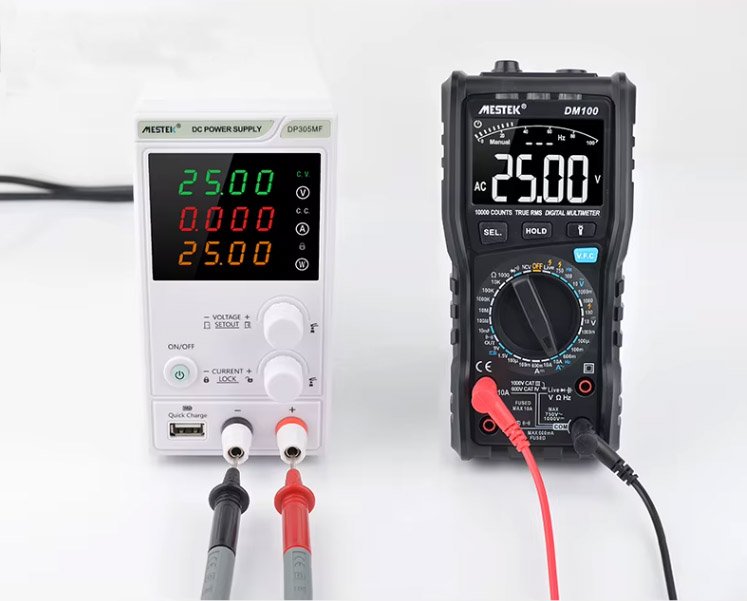
Many power supplies appear to work normally with no load, but issues often become apparent only after a load is connected. Therefore, performing a load test is a critical step in evaluating the true performance of a DC power source.
Before connecting or changing any load, make sure the power supply is switched off and avoid touching any exposed conductive parts to prevent short circuits, sparks, or potential equipment damage. After powering it on, measure the voltage under load and compare it with the no-load value.
A normal, fault-free DC power supply
The voltage remains essentially unchanged under load compared to no-load conditions.
A drop in voltage reading
- Possible causes:
- Insufficient current capacity of the DC power supply;
- Power supply overload;
- Internal voltage regulator failure;
- Overheating drift
Two Methods for Checking Ripple or Output Instability
While a multimeter cannot display the complete waveform details of an oscilloscope, it can still help detect instability.
1) Observe Rapid Voltage Fluctuations
If the reading jumps rapidly or drifts continuously, the power supply may have a faulty capacitor, poor filtering, or unstable voltage regulation.
2) Detect Residual Ripple Using AC Mode
Set the multimeter to the AC voltage (VAC) range and measure the output voltage. Smaller readings (a few millivolts) are normal; higher readings indicate excessive ripple, which may damage sensitive electronic components.
Common Problems You May Detect
- Testing a DC supply with a multimeter reveals a wide range of issues, including:
- Low output voltage – Aging components, damaged rectifier, or transformer issues
- No output – Blown fuse, protection mode, or short circuits
- Voltage instability – Regulator failure or insufficient filtering
- Wrong polarity – Miswired connectors or internal assembly mistakes
- Excessive ripple – Bad capacitors or degraded filtering stage
FAQs
Yes, but testing under load provides a more accurate picture of performance, especially for older or unstable power supplies.
You will see a negative voltage reading. Simply swap the probe positions—no damage occurs.
Most DC power supplies allow ±5% deviation, but regulated supplies should be much closer to the rated value.
The supply may lack current capacity, be overloaded, or have internal component failure.
Yes. Laptop chargers are DC output supplies, and the same steps apply.
Conclusion
Knowing how to test a DC power supply with a multimeter is a fundamental skill for technicians, engineers, and electronics hobbyists. With a few simple measurements—no-load test, load test, and ripple check—you can quickly diagnose most power supply issues and confirm whether the unit is safe for use. Regular testing protects your equipment, improves reliability, and reduces the risk of costly failures.
If you need accurate and durable testing tools, consider using a high-quality digital multimeter designed for DC voltage measurement and troubleshooting.